

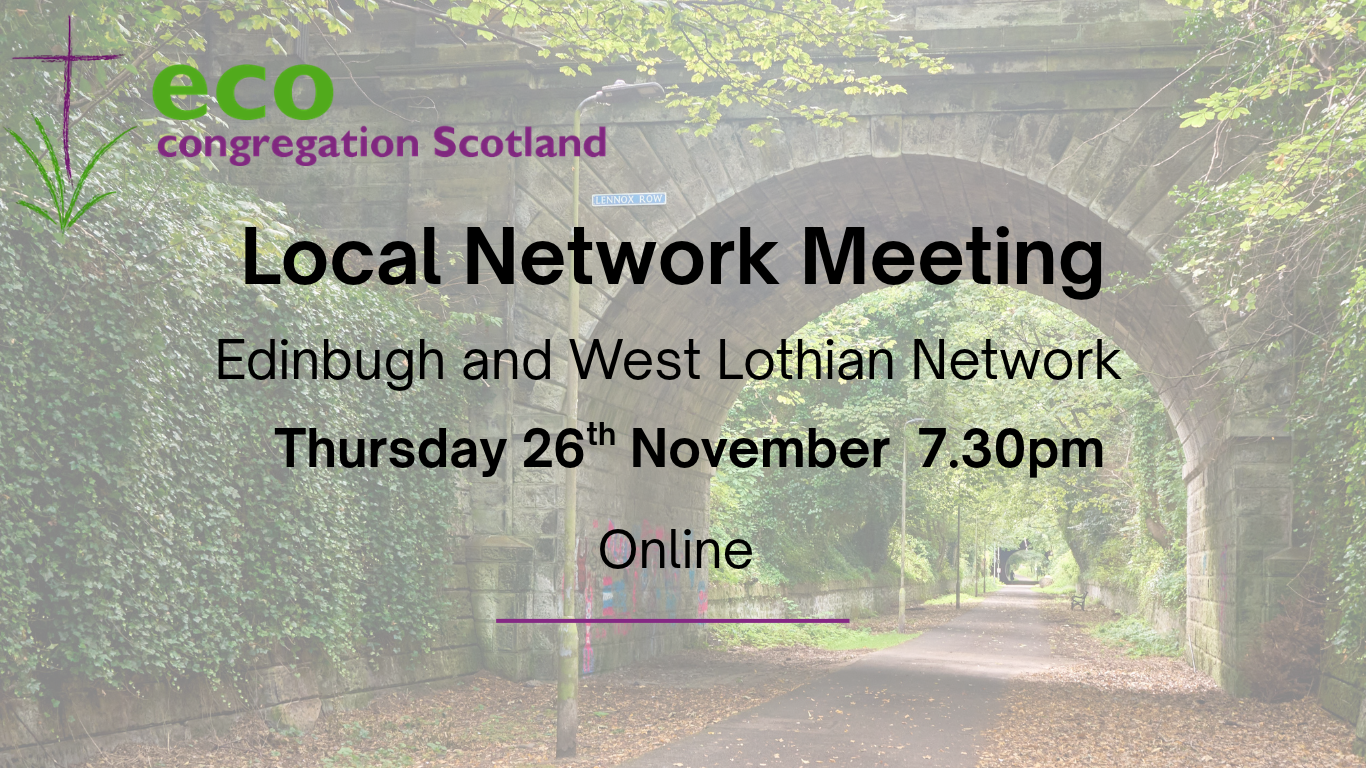
Join us for the next Edinburgh and West Lothian Network Meeting.
Thursday 26th November, 7.30pm, Online (Teams)
The topic for this meeting will be
‘Grants and How to Apply for Them’
Discussion will be led by Pamela McLaughlan from Dalmeny and Queensferry Parish Church, who has a background in finance and an excellent track record of seeking out, applying and being successful in grant applications for the church including many local Eco Congregation initiatives, such as The Ferry Fridge.
Please bring along your own ideas and successes for a discussion after Pamela’s presentation.
This event is open to all who are interested so please share the invitation with others in your congregation. You do not need to sign up in advance.
[Note: This event has been rescheduled from the original October date and is now an online event.]
Microsoft Teams meeting
Join: https://teams.microsoft.com/meet/3298186947018577?p=joeBwFUSOoxTTzHXso
Meeting ID: 329 818 694 701 857 7
Passcode: SW68TU7C
– – – – – – – – – – – – – – – – – – – – – – – – – – – – – – – – – – – – – – – – – – – – – – – – –
Further instructions for joining. You do not need a Teams account to join the meeting :
Joining from a Desktop or Laptop Computer
- Open the invitation: Click the meeting link
- Choose the browser option: A web page will open presenting multiple choices. Click “Continue on this browser” (or “Join on the web instead”).
- Note: Microsoft Edge and Google Chrome are the recommended browsers for full compatibility.
- Grant permissions: If prompted by your browser, click Allow to give Teams access to your microphone and camera
- Enter your name: Type the name or alias you want others to see during the meeting.
- Adjust settings and join: Toggle your camera and audio settings as desired, then click “Join now”.
- Wait in the lobby: You will enter a virtual lobby. The meeting organizer will receive a notification and admit you to the call.
Joining from a Mobile Device (Phone or Tablet)
If you are using a mobile device, Microsoft requires the free mobile app to join, but you still do not need an account.
- Tap the meeting link in your invite.
- If you don’t have it, you will be directed to your app store to download the free Microsoft Teams app.
- Once downloaded, open the app and select “Join as a guest”.
- Type your name, allow microphone permissions, and tap “Join meeting”